
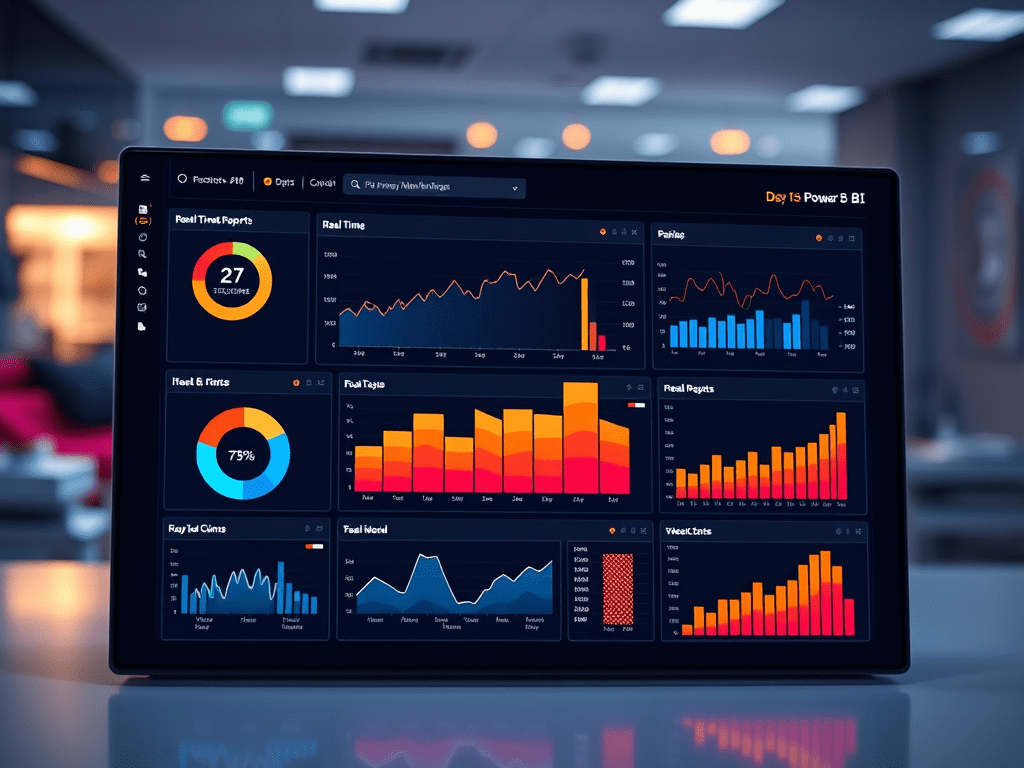
Power BI in Microsoft Fabric – Real-Time Reports and Dashboards (Day 5)
Published: July 6, 2025
🚀 Introduction
After ingesting and transforming data in Microsoft Fabric, it’s time to turn it into insights. Enter Power BI — now natively integrated into the Fabric experience.
In this guide, you’ll learn how to build interactive, real-time dashboards and reports using data from your Lakehouse or Warehouse — without exporting or duplicating a single dataset.
With Power BI in Fabric, visualization is no longer an afterthought — it’s built right into your data pipeline.
🎯 What You’ll Learn
- How Power BI is integrated in Microsoft Fabric
- Creating reports using Lakehouse/Warehouse datasets
- Using Direct Lake mode for performance
- Designing dashboards with filters, slicers, and visuals
- Sharing, publishing, and refreshing insights
🔗 Power BI Integration in Microsoft Fabric
Power BI is no longer just connected — it’s part of the Fabric platform. Every Lakehouse and Warehouse automatically generates a semantic model (dataset) that Power BI can use instantly.
Benefits:
- Zero data movement
- Always in sync with Lakehouse
- Low-latency visualizations
- Security inherited from the workspace
🏗️ Step-by-Step: Creating Your First Power BI Report in Fabric
1️⃣ Open Your Fabric Workspace
Navigate to your Fabric workspace from https://app.fabric.microsoft.com.
2️⃣ Locate Your Lakehouse or Warehouse
Click on the Lakehouse → SQL Endpoint → You’ll find an automatically generated Power BI dataset.
3️⃣ Click “New Report”
Select the dataset and click “+ New Report” to launch the Power BI web designer.
4️⃣ Design Your Report
- Use drag-and-drop visuals (bar, line, card, pie, matrix, etc.)
- Add filters, slicers, date pickers
- Apply themes and customize layouts
5️⃣ Save & Share
Click Save and publish the report inside the same workspace. You can share it with others using workspace roles or individual access permissions.
⚡ Direct Lake Mode: The Fabric Advantage
Fabric introduces Direct Lake mode, a new connection type exclusive to Power BI + Fabric:
- Data is queried directly from OneLake, skipping import or refresh
- Blazing fast performance even on large datasets
- No need for scheduled refreshes
- Security and access controlled centrally
📊 Common Visuals for Business Dashboards
- Sales KPI Cards – Revenue, Orders, Profit
- Time Series Charts – Daily/Monthly trends
- Geo Maps – Sales by location
- Funnel Charts – Marketing or sales conversion
- Decomposition Tree – Drill-down insights
🔐 Security & Sharing
Reports inherit workspace-level permissions. Use:
- Row-Level Security (RLS) to show personalized views
- Viewer role for read-only access
- Metrics Scorecards to track KPIs across teams
📈 Fabric Report Lifecycle (Real-World Example)
- Raw CRM & order data pulled via Dataflow Gen2
- Cleaned in a Notebook and stored in Lakehouse
- Lakehouse generates semantic model (dataset)
- Power BI reads that model with Direct Lake mode
- Real-time dashboards shared with leadership team
🧠 Summary Table
| Feature | Benefit |
|---|---|
| Native Power BI Integration | No external connections needed |
| Direct Lake Mode | Query OneLake with lightning speed |
| Automatic Datasets | Lakehouse generates semantic model |
| Central Governance | RBAC, RLS, Purview-integrated |
| Real-time Reports | Always updated, no refresh needed |
✅ Conclusion
Power BI in Microsoft Fabric removes the traditional boundaries between data and insights. By using Direct Lake mode and native integration, you can create blazing fast, secure, and collaborative dashboards in just a few clicks — and it all stays in OneLake.
In the next article, we’ll explore how to schedule, monitor, and automate your data pipelines inside Fabric using the Data Pipeline experience.
🔮 Coming Up Tomorrow:
Day 6: Automating Data Pipelines in Fabric – Triggers, Schedules & Monitoring

Leave a comment