
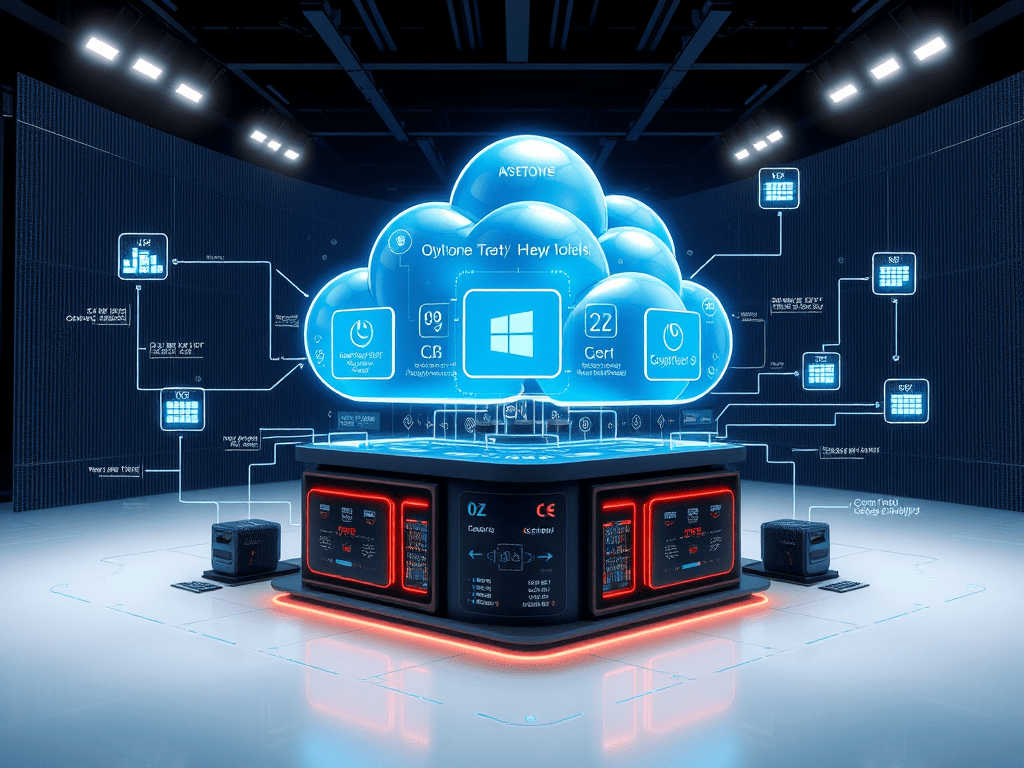
Microsoft Fabric Architecture Explained | Core Concepts for Beginners (2025)
Published: July 3, 2025
🚀 Introduction
After understanding what Microsoft Fabric is in Day 1, let’s now open the hood and look at its powerful architecture. Microsoft Fabric isn’t just a collection of tools—it’s a cohesive, integrated platform built with modern data challenges in mind.
In this article, we’ll break down the core architectural components, how they work together, and why Fabric offers a simpler, more scalable solution for organizations of all sizes.
🧱 What Makes Microsoft Fabric’s Architecture Unique?
Traditional data platforms often suffer from:
- Disconnected tools (ETL in one place, BI in another)
- Data duplication across environments
- Lack of real-time integration
- Complex security and governance layers
Microsoft Fabric addresses these challenges by building around a few key architectural pillars:
🪣 1. OneLake – One Data Lake for the Entire Organization
What is OneLake?
OneLake is Microsoft Fabric’s default, enterprise-wide data lake, built on Azure Data Lake Storage Gen2. It’s like OneDrive for your data.
Key features:
- Auto-managed: Every workspace automatically gets OneLake storage
- No duplication: Store data once, use it across workspaces
- Delta Lake support for ACID transactions
- Shortcuts to ADLS, AWS S3, other Fabric items
🧩 2. Workspaces & Items – A Consistent Logical Structure
Each workspace in Microsoft Fabric acts as a project folder and can include:
- Lakehouses
- Data Warehouses
- Notebooks
- Pipelines
- Dataflows
- Power BI Reports
This logical structure makes collaboration and access control much simpler.
🏗️ 3. Lakehouse – The Heart of Fabric’s Data Model
The Lakehouse in Microsoft Fabric combines the flexibility of a data lake with the structure of a data warehouse. It stores data as Delta files and enables both Spark and SQL queries.
Benefits:
- Supports raw, semi-structured, and structured data
- Schema enforcement and time travel
- Auto-generated Power BI datasets
⚙️ 4. Compute Engines – Spark, SQL, and KQL
| Engine | Purpose | Used In |
|---|---|---|
| Spark | Big data processing, ML, transformations | Notebooks, Lakehouse |
| T-SQL | Relational queries | Data Warehouses |
| KQL | Real-time streaming analytics | KQL Databases |
🔄 5. Pipelines & Dataflows – Orchestrating the Data
Pipelines and Dataflows Gen2 allow you to automate ETL and orchestration within Fabric:
- Ingest data from 200+ sources
- Trigger notebooks and Power BI refreshes
- Schedule recurring jobs
📊 6. Built-In Power BI Integration
Unlike older architectures, Power BI is embedded directly in Fabric. It reads data from Lakehouse or Warehouse and generates reports automatically.
Advantages:
- No data export/import needed
- Auto-refresh enabled from OneLake
- Security and governance shared across tools
🔐 7. Security & Governance with Microsoft Purview
Microsoft Fabric uses Purview for governance, cataloging, lineage, and security:
- Lineage view from data source to report
- Sensitivity labels and classification
- Access control via RBAC and RLS
- Monitoring and auditing features
🔄 Real-World Example: Data Flow in Fabric
- Sales data is pulled into OneLake via Dataflow Gen2
- A Spark notebook transforms and aggregates it
- Lakehouse stores the cleaned data
- Power BI dataset is auto-created
- Reports show real-time metrics for business users
🧠 Core Concepts Table
| Concept | Description |
|---|---|
| OneLake | Centralized data lake shared across all workloads |
| Lakehouse | Combines lake flexibility with warehouse structure |
| Notebooks | Spark-based code for ML and data transformation |
| Dataflows | Power Query ETL for data ingestion |
| Pipelines | Workflow automation across data activities |
| Power BI | Visualization and reporting built into Fabric |
| Purview | Governance, lineage, and compliance features |
💡 Key Advantages of Fabric Architecture
- ✅ No data duplication – central storage via OneLake
- ✅ Seamless integration across tools
- ✅ Full lineage and monitoring
- ✅ Multiple compute engines in one platform
- ✅ SaaS-based – no infrastructure management
📌 Conclusion
Microsoft Fabric’s architecture is built for scale, speed, and simplicity. By combining Lakehouse storage, Spark compute, Power BI insights, and unified governance in one platform, Fabric is setting the gold standard for modern data platforms in 2025.
Tomorrow we’ll start using the platform hands-on—setting up your first workspace and exploring the Fabric portal.
✅ Coming Up Tomorrow:
Day 3: Creating Your First Microsoft Fabric Workspace

Leave a comment