
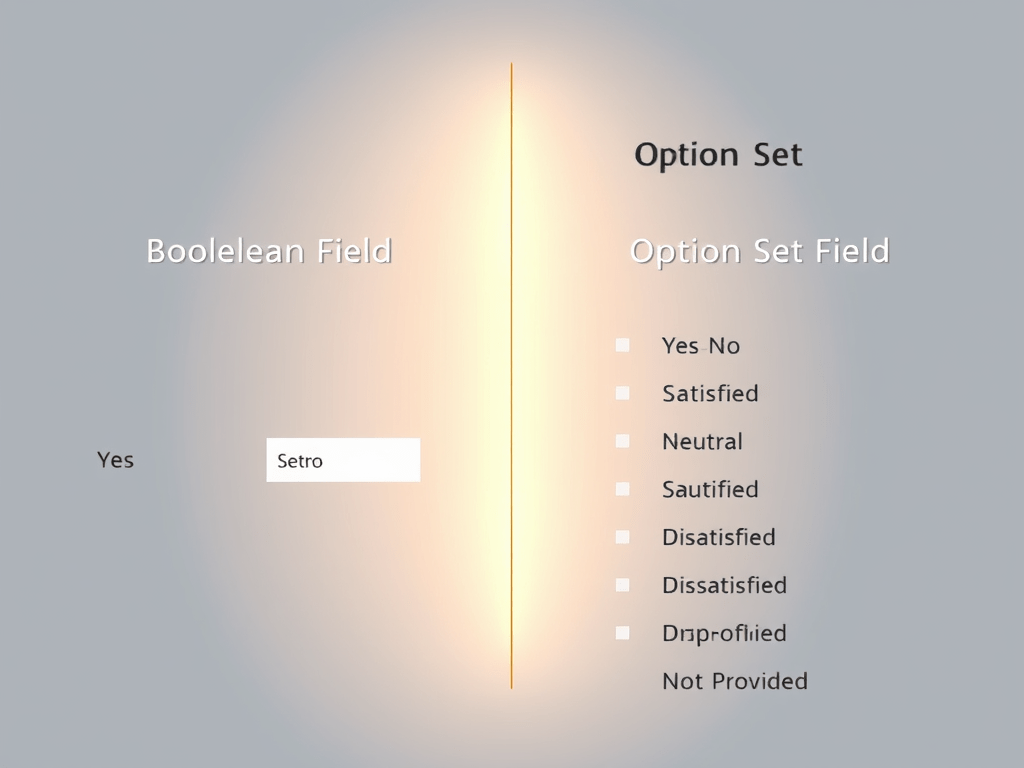
In Dynamics 365 Customer Engagement (CE), choosing between a Boolean field and an Option Set (also known as a Dropdown) field depends on the specific requirements of your data model and user interactions. Here’s an overview of when to use each type of field, along with a practical example to illustrate the differences.
When to Use a Boolean Field
Boolean fields are designed to hold two possible values: True (Yes) or False (No). They are ideal for scenarios where you need to capture a simple yes/no decision or whether a condition is met. Use Boolean fields:
- When you need a straightforward binary choice.
- When you want to capture data that only requires either satisfaction or non-satisfaction (e.g., Is Active?).
- If there are no additional states or nuances needed beyond the binary choice.
When to Use an Option Set Field
Option Set fields allow you to define a set of pre-defined options for users to select from. They are best used in scenarios where:
- More than two options are necessary (e.g., Low, Medium, High).
- You want to represent multiple states, including the possibility of “None” or an undefined state.
- You need to provide a clearer context for users, as option sets can be labeled with descriptive texts.
Example Scenario
Scenario: Let’s say you have a customer feedback form where customers indicate their satisfaction with a service.
- If you merely want to know if the customer is satisfied or not, you could use a Boolean field:
- Field: Is Satisfied (True/False)
- However, if you want to give customers a richer choice of options to express their feedback, including the possibility of not providing feedback or leaving the question unaddressed, you should use an Option Set field:
- Field: Customer Feedback Options
- Options:
- Very Satisfied
- Satisfied
- Neutral
- Dissatisfied
- Very Dissatisfied
- Not Provided (allows for a state where the customer chooses not to answer)
Addressing Your Requirement
In your situation, where you want to set the value for yes/no and sometimes have the field not contain data at all, using an Option Set field would be a better approach. This is how you could structure it:
- Option Set Field: Customer Agreement Status
- Options:
- Yes
- No
- Not Specified (to indicate that sometimes the field should not contain data)
This allows for greater flexibility, enabling users to choose “Not Specified” when no answer has been provided. It satisfies the requirement for having a clear yes/no decision while also accommodating the need for an undefined state.
Conclusion
In summary, Boolean fields are perfect for simple yes/no scenarios, while Option Sets offer greater versatility with additional options and the possibility to capture scenarios where no response is given. Depending on your specific requirements, it is essential to evaluate how you want to capture and use the data within Dynamics 365 CE effectively.

Leave a comment